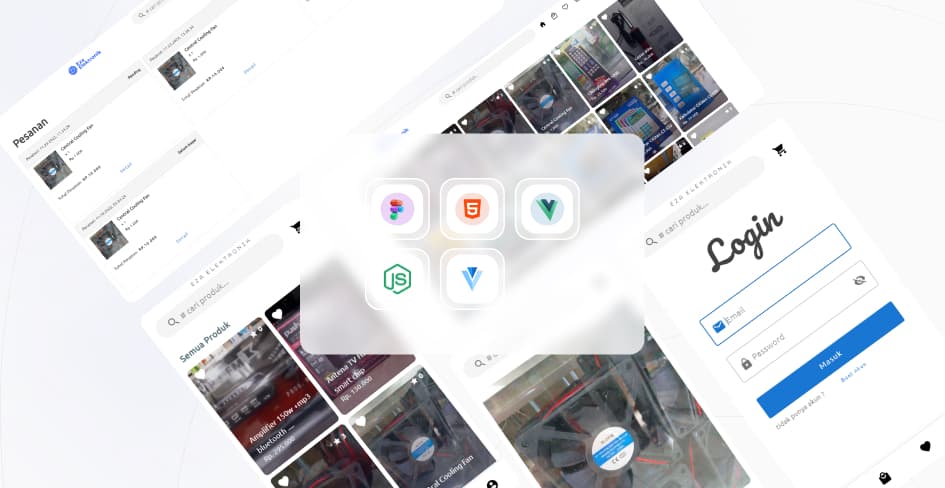
 Electronics Store
# Intro
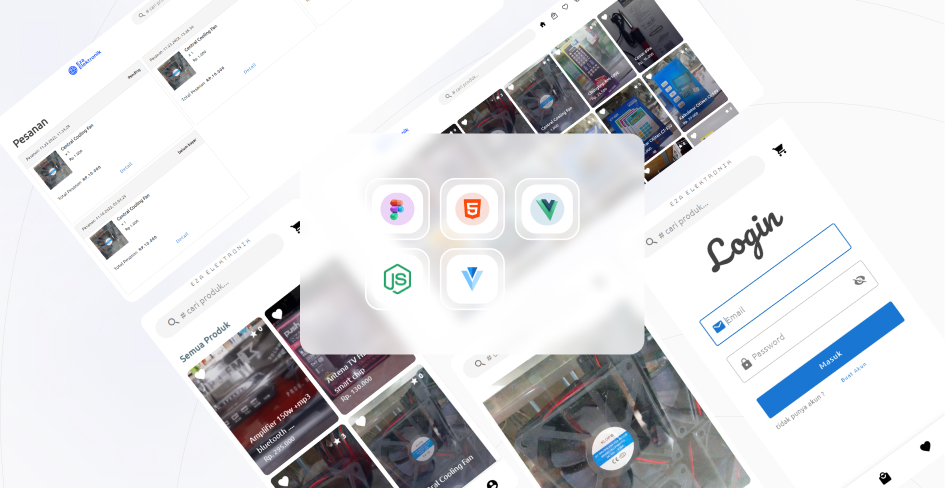
I created an e-commerce app using VueJS and CapacitorJS. In this app, users can easily browse through all available products or filter them by category of their choice. They can also make secure payments for the electronic products they wish to purchase.
This application implements the xendit payment gateway to make payments between the user and the shop concerned. here I use capacitorJS as a 'wrapper' so that it can run on android, I know people will definitely prefer react native if they want to create cross-platform applications, but i don't know or haven't found yet an equivalent like react native for vueJS, so yes I using capacitorJS which is simpler because it shares the same codebase as the web version and can access 'native features' from Android such as the camera, notifications, etc.
The weakness of this app is that the only language available is Indonesian, and the codebase needs to be refactored (i'll do that if i have a lot of spare time)
For security reason, backend to make payment for this app is deactivated.
App Features :
- browse all product vertically with infinite scroll, soo no boring pagination numbers.
- search product.
- browse product by category.
- change user profile like username, avatar, password and add/change/remove user addresses
- view payment history.
- user can pay the product using e wallet or qrcode.
- product details covers : product description, add/view/remove reviews.
- other users review and related product recommendation.
- cart page covers : add/remove products user add, select address and select payment method.
- add/remove favorite product.
and some more ...
# Gallery
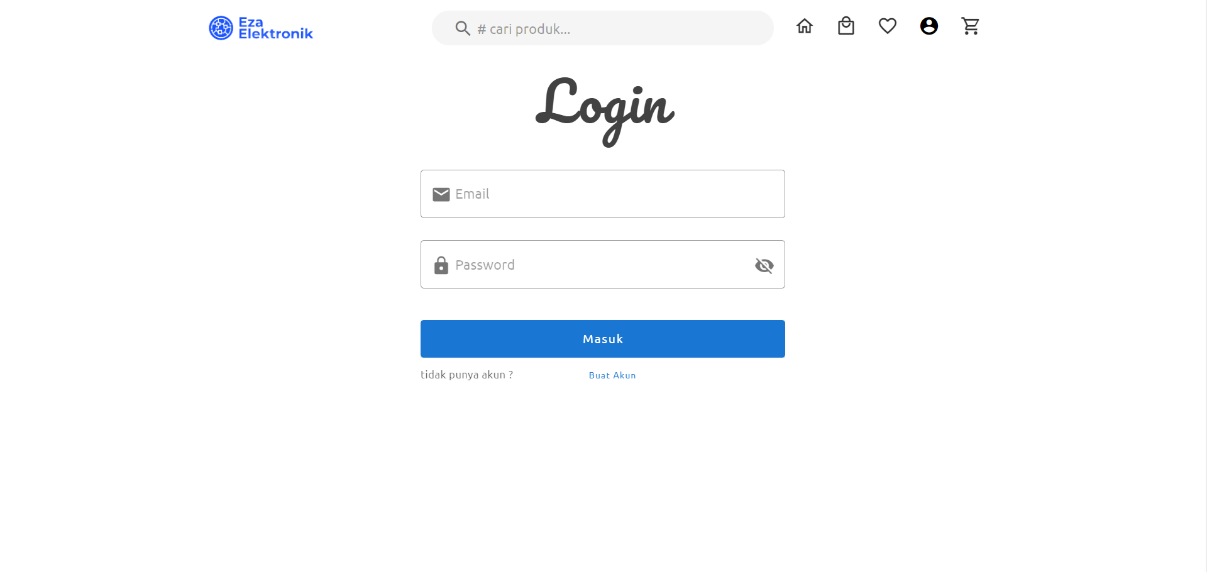
Login page of this web app, On this page, users can log in by entering a verified email address and password
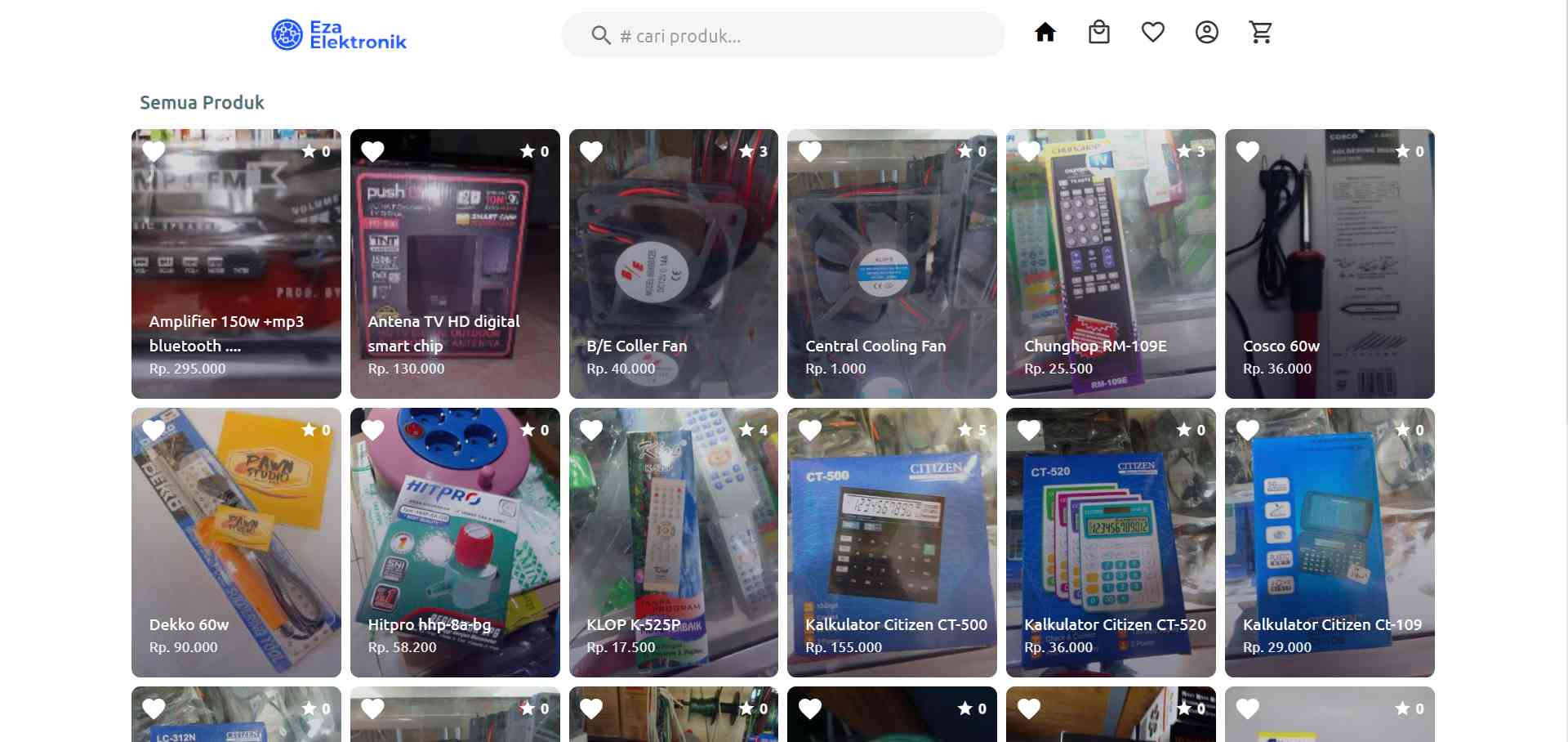
Home page of this web app. On this page the client user can see all the products that the admin user has added to the system
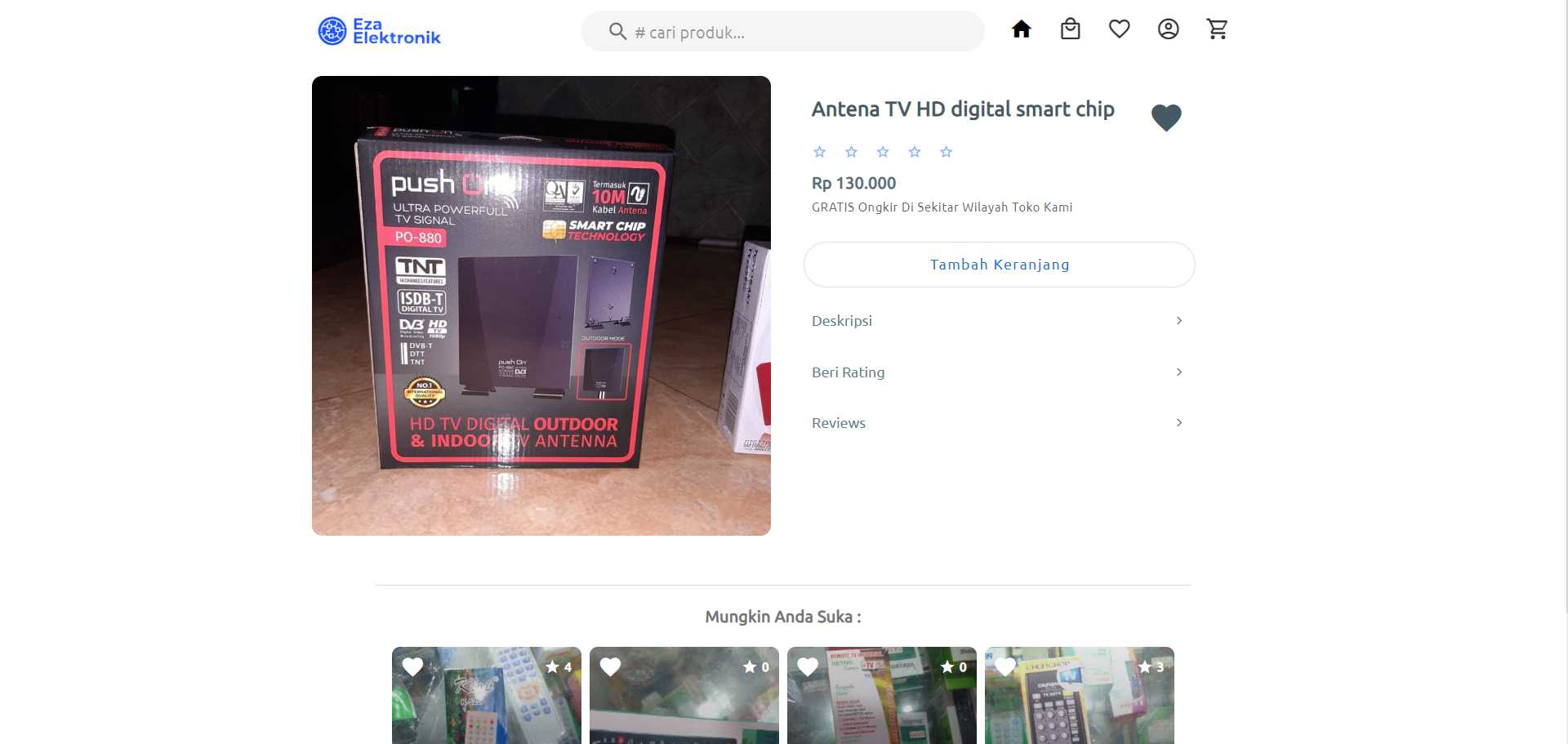
Product info. On the product details page at the very top is a collection of images of the product and below it is the product title, to the right is a heart icon to add the product to favorites. On the add to basket button the user can see the product stock or add the number of items to be added to the basket. The 3 buttons below, namely the description function to view information about the product, give a rating to provide a review of the product, and the review button functions to see a list of reviews from other users. Below that there is a list of products that are relevant to the selected product.
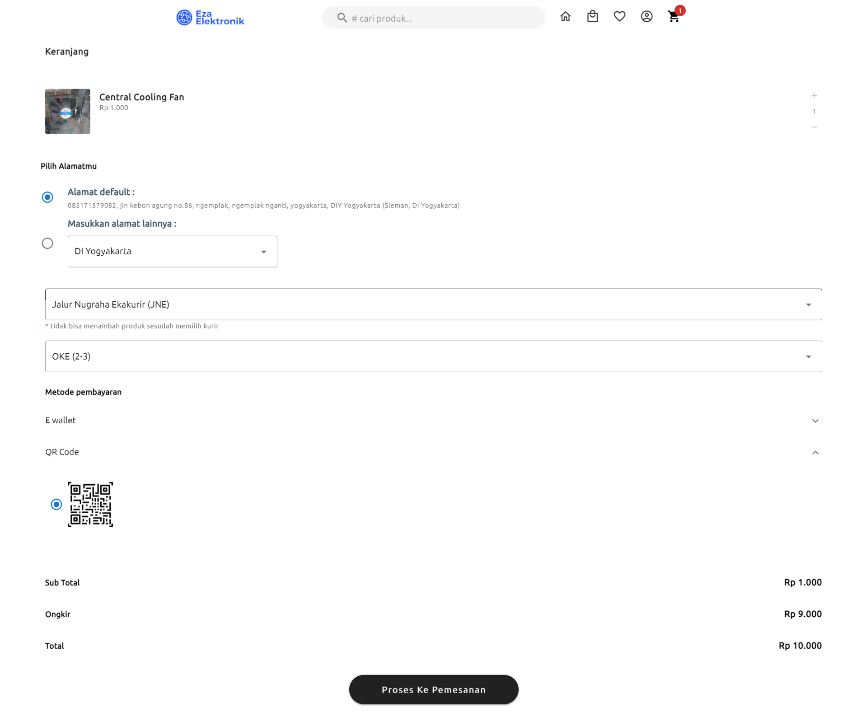
Cart Page. On the cart page, the client user can see a list of products that have been added to the order cart, the user must select the address, delivery service and service from the delivery service, after user chooses the address, user must choose a payment method, including ewallet with dana and astrapay options, then the QR code payment method. After that, the process to order button will be active so the user can proceed to payment.
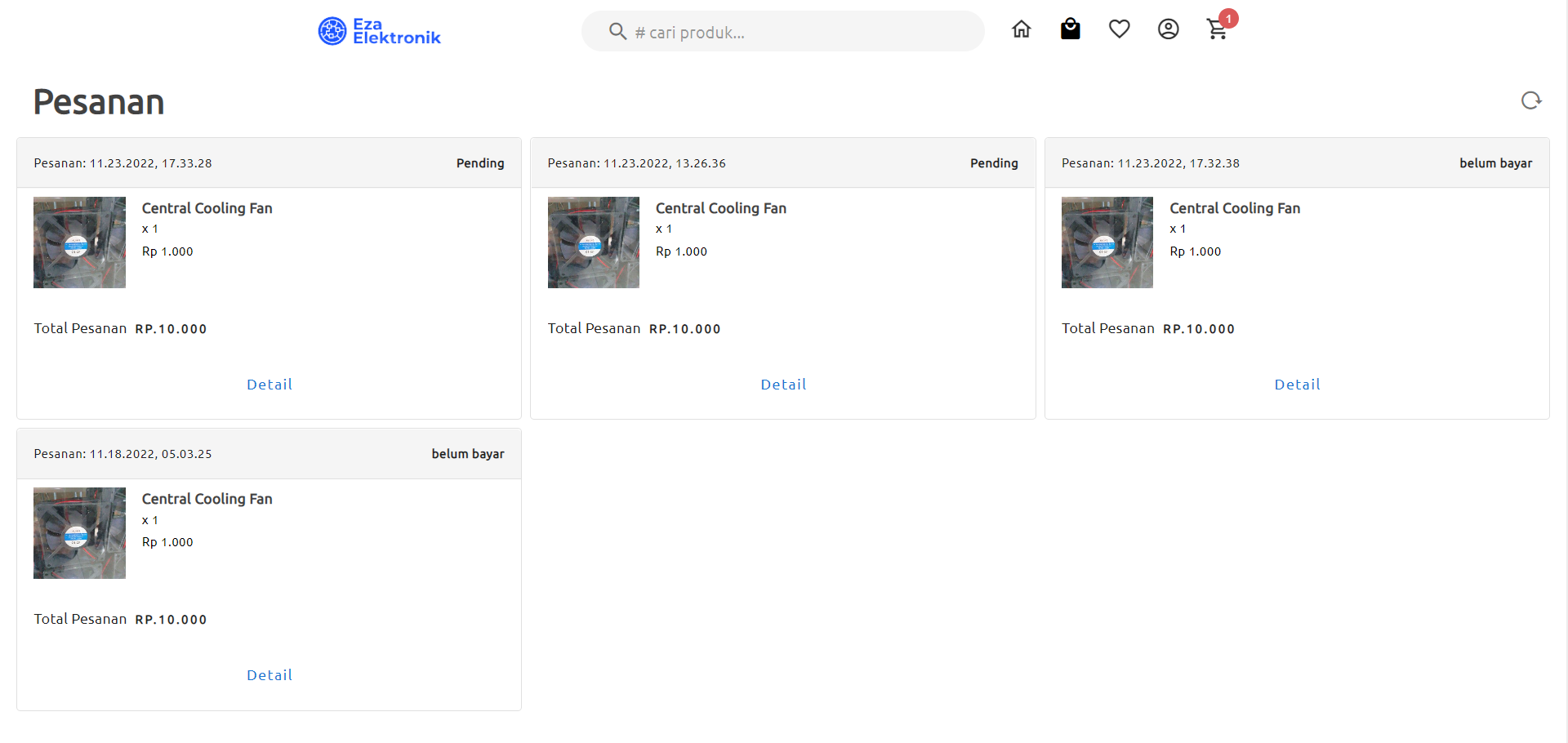
Orders Page. This page displays a list of orders that have been made by the client user by pressing the "process to order" button on the previous cart page, the button on the top right has the function to refresh the order list, and the details button will bring the user details of the order.
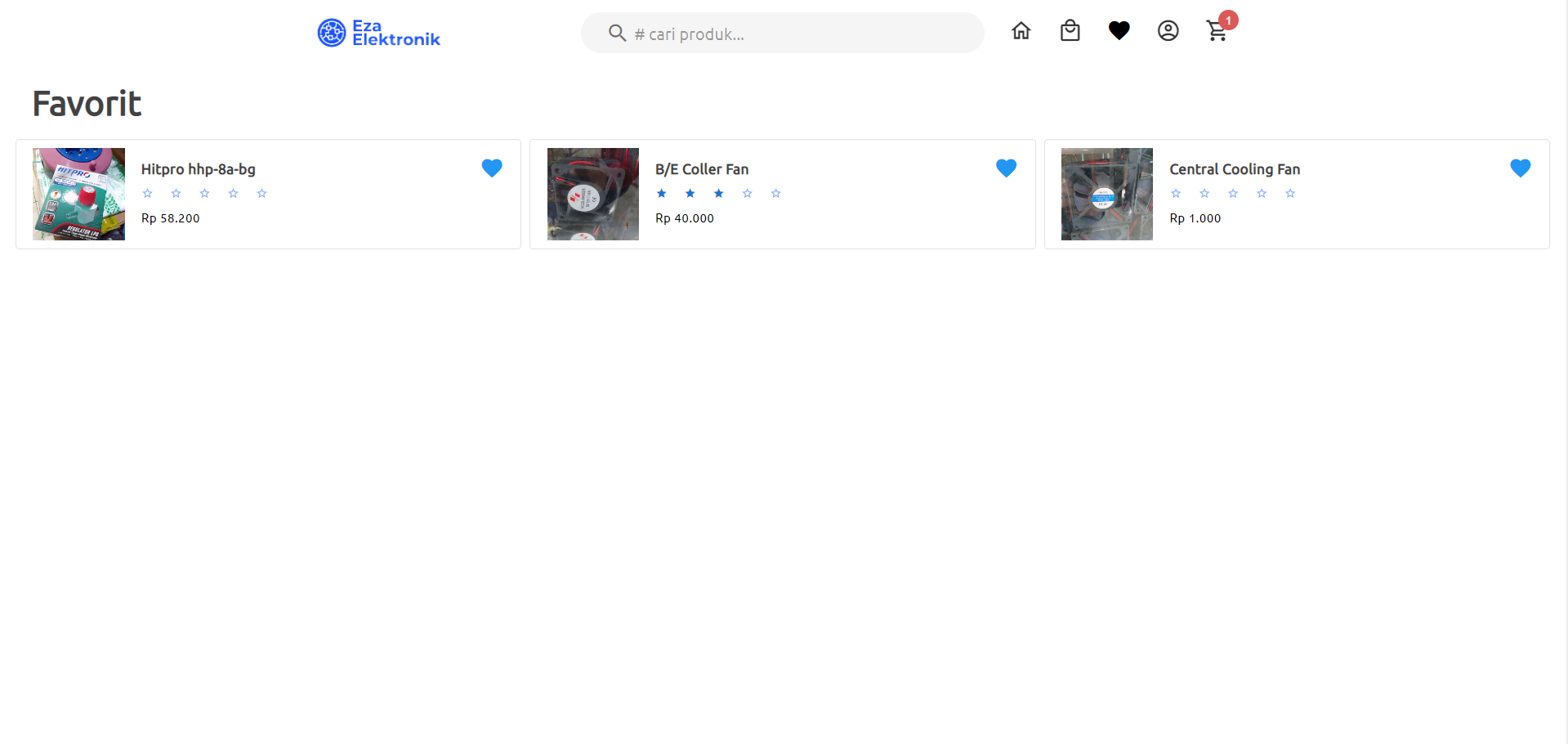
Favorites Page. On this page, a list of products that are favorites by the client user will be displayed, where to add a product to the client user's favorite list, you must press the heart icon on the product detail page, home page or view category page.